Case Study
Onlife Health
Creating an engaging health platform that helps millions improve their wellness through better design.

Overview
Better Health Through Better Design
Onlife and Krames help clients engage and educate people to improve health. For more than 40 years, the company has been a pioneer in patient education solutions that lower risks and reduce costs.
I partnered with their product, development and marketing teams to gather feedback from users, design new features, provide sales and marketing materials, and develop an extensive design system.
The Process
Understanding Users First
Before starting any design, we took time to understand the workflows and current content. This included task analysis, interviews, and card sorting. Clinical terminology and industry jargon was particularly common and existing applications were heavily used, so users had to be involved before any changes were made.
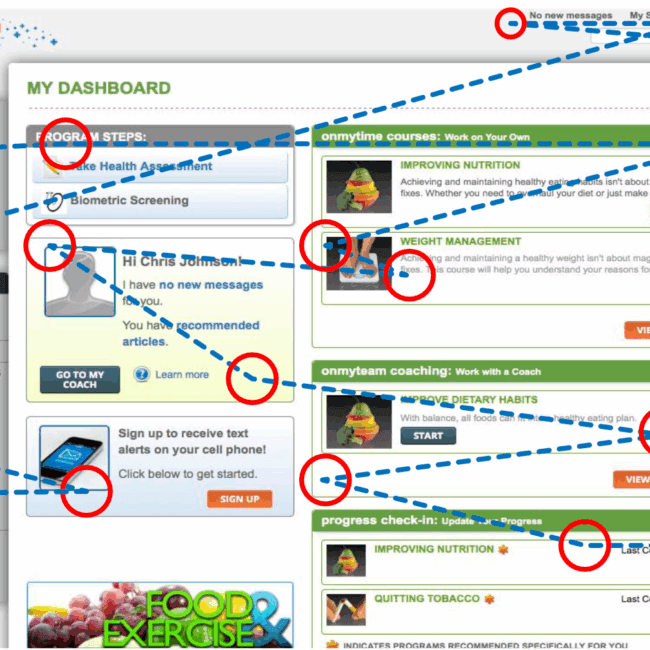
“The look and feel between products were old, dated and inconsistent. Interfaces were complex, not responsive and lacked clear calls to action.”
Typography & Color Selection
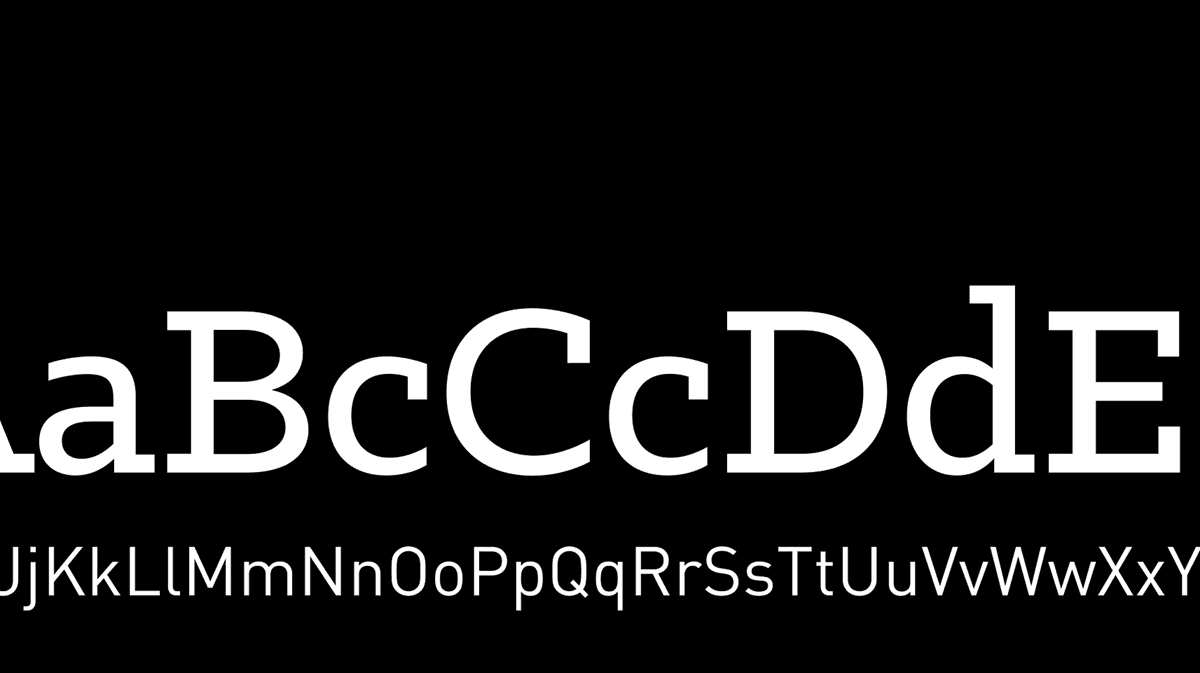
A Refreshing Visual Language
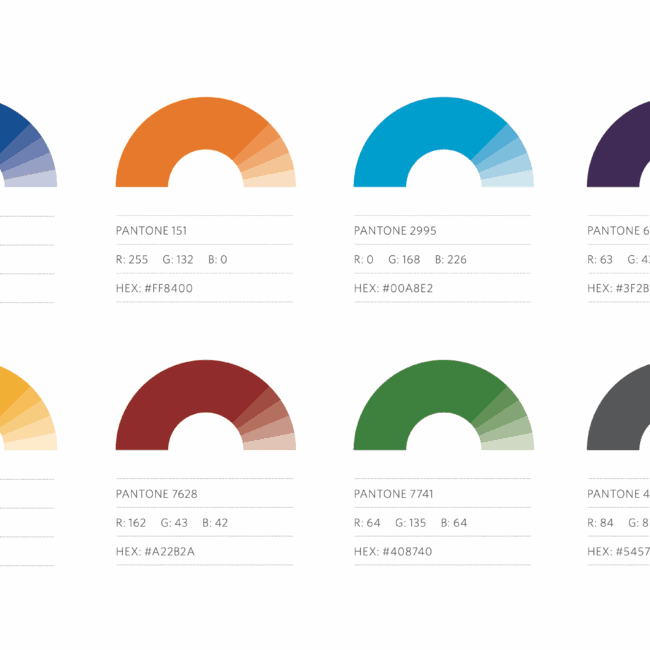
To translate Onlife’s expertise and energy, we developed a vivid, refreshing color palette of green and blue hues as well as extended and grayscale palettes to cover all the required colors for the product’s interface.
Engagement
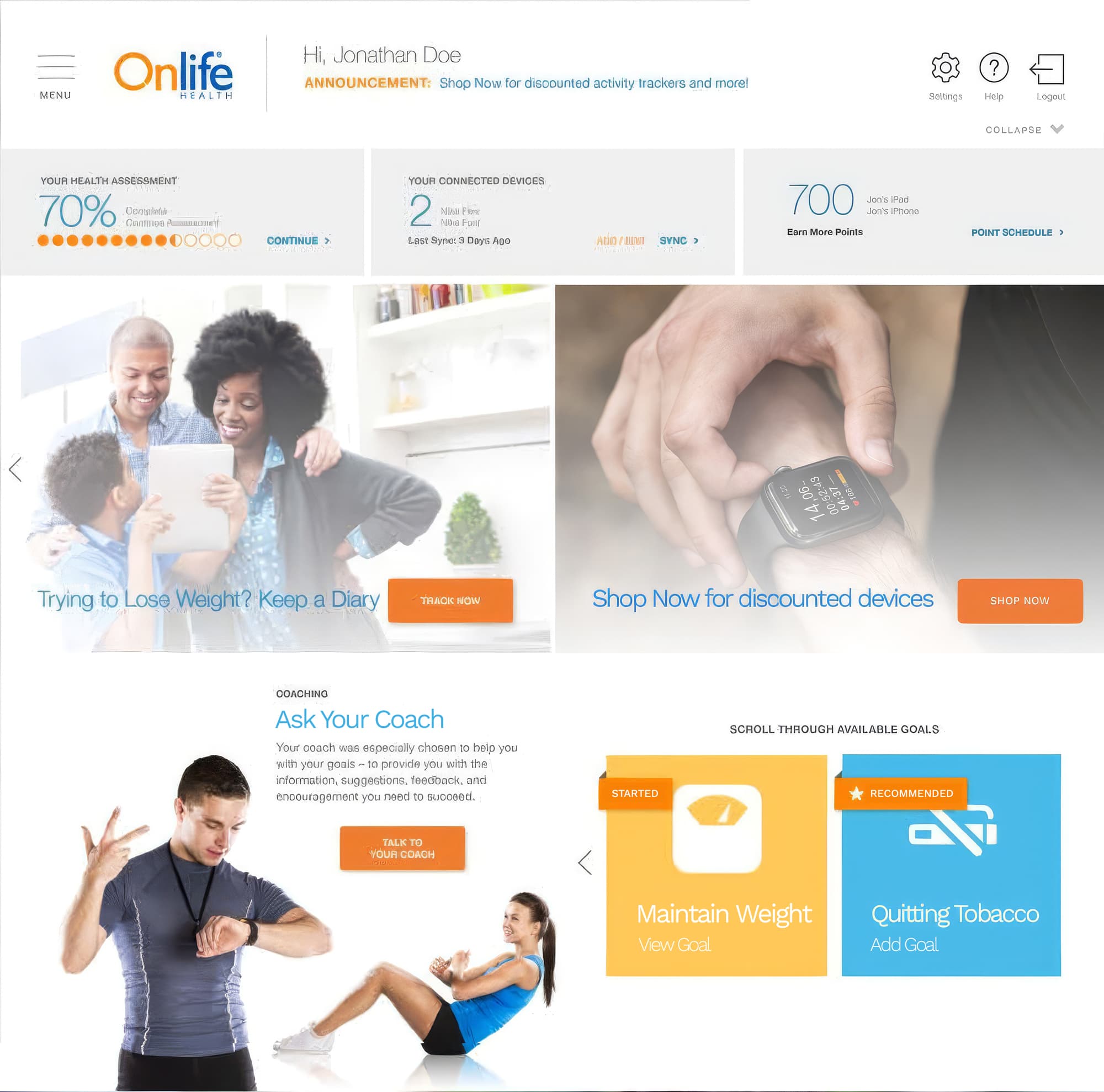
An Engaging Dashboard Experience
Intricately illustrated animations create a seamless flow on the site, beautifully showcasing all of Onlife’s features with each scroll and page turn.
Custom Illustrations
Icons for All Use Cases
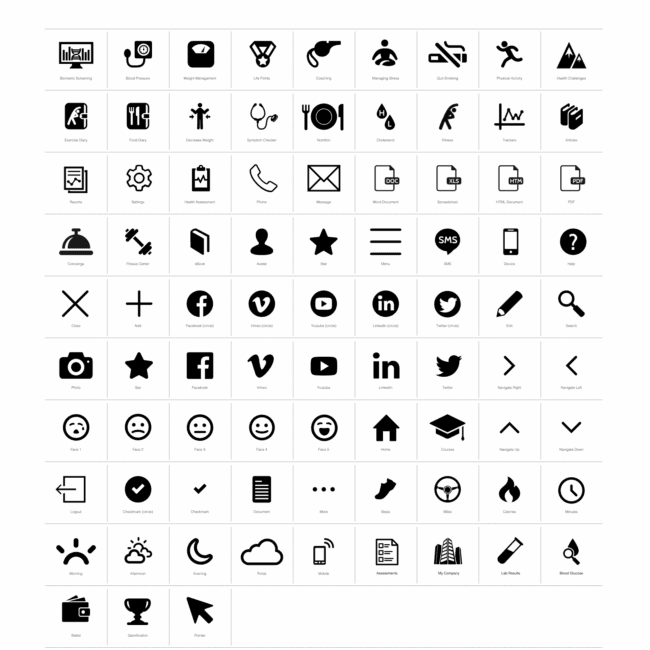
The illustration system for Onlife complements the overall brand and communicates with users in a gentle manner. To enhance the experience of typically difficult processes, such as quitting smoking or losing weight, we introduced a sense of humanity and simplicity in the product by leveraging soft, graceful shapes.
The end result is a multi-tiered system, featuring pictograms, icons, and full-size illustrations.
Data Visualization
Making Complex Data Clear
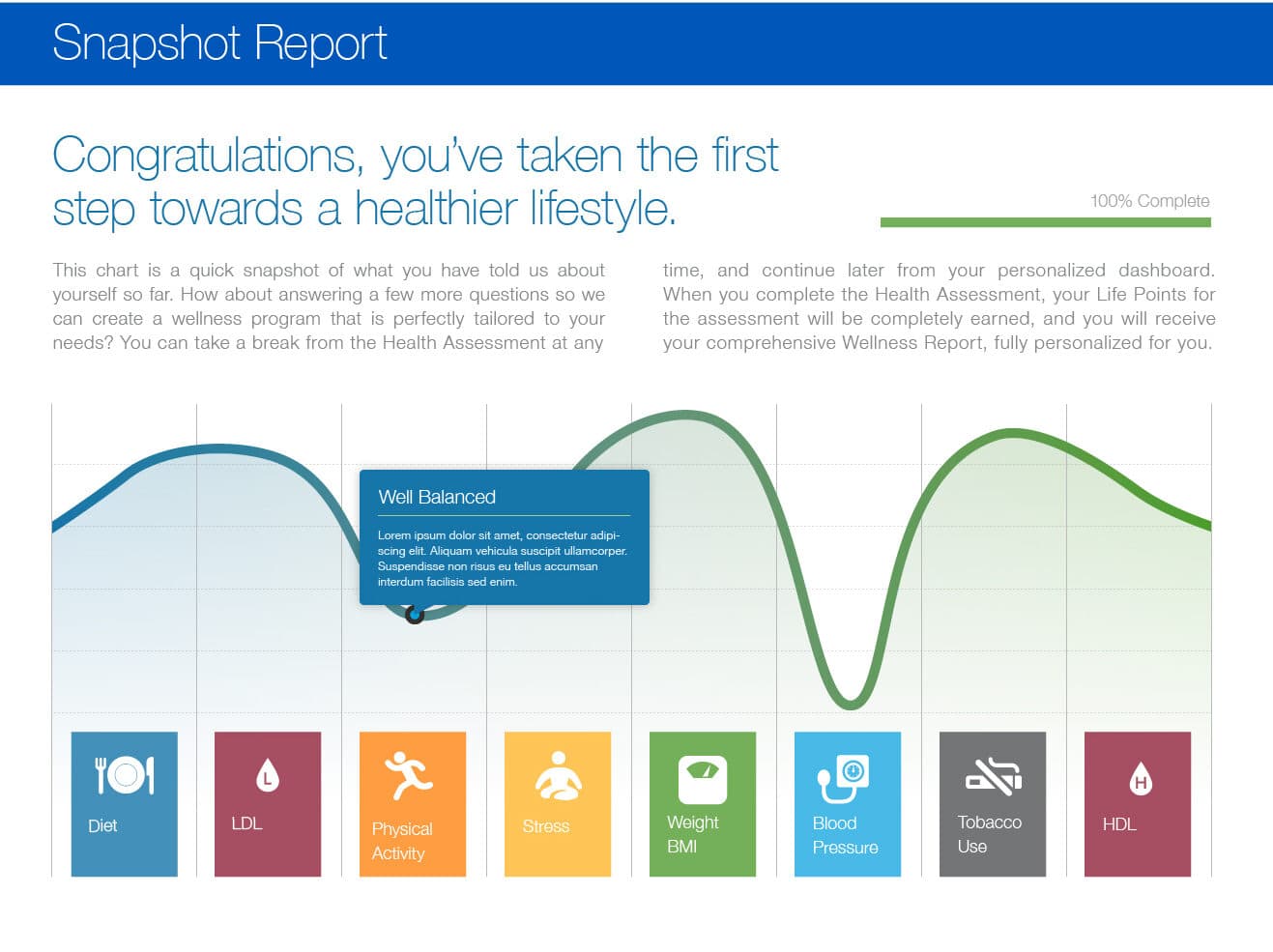
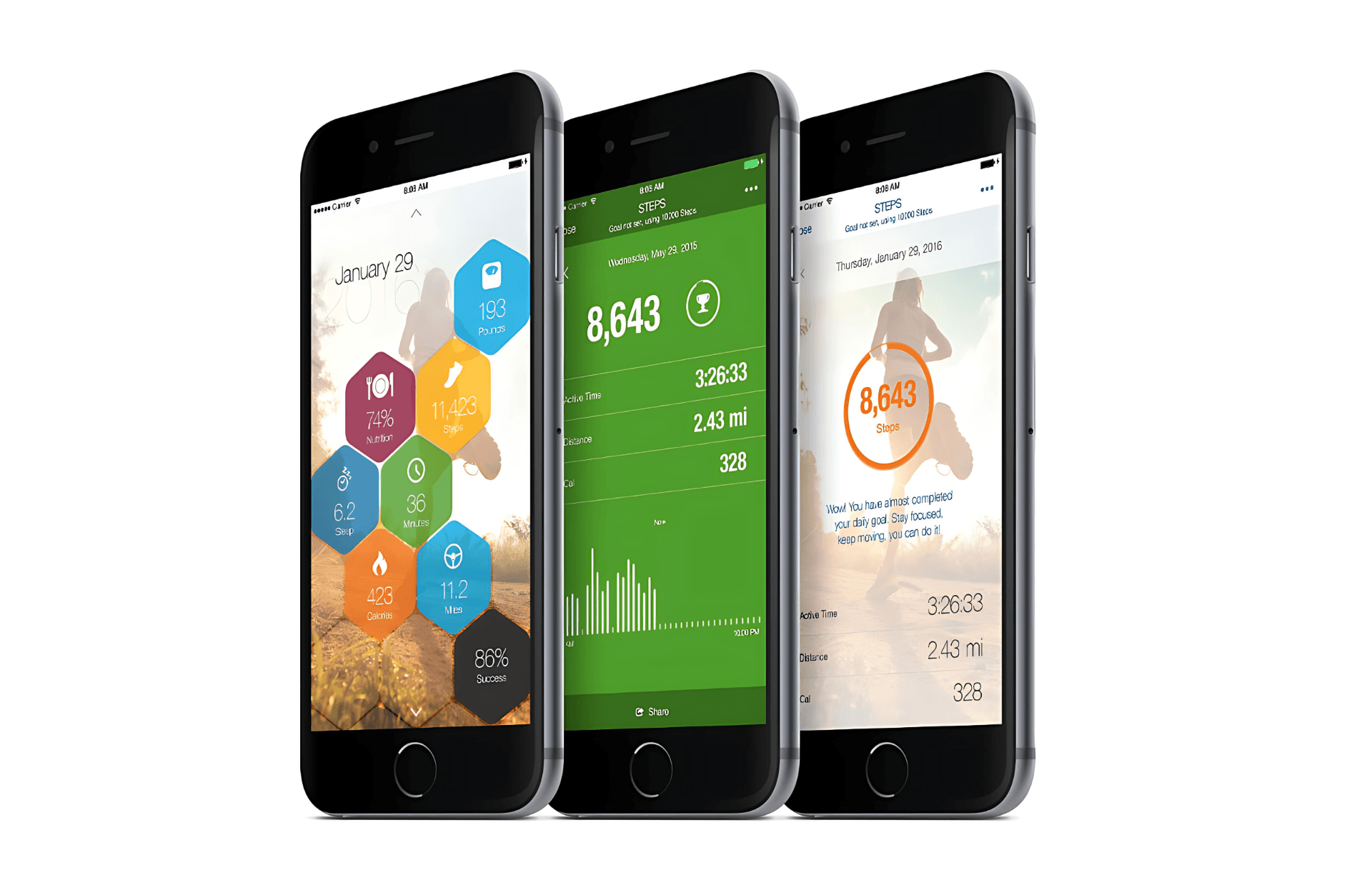
Intricately illustrated animations create a seamless flow on the site, beautifully showcasing all of Onlife’s features with each scroll and page turn. Data is visualized in charts and graphs making it easier to understand.
An Elevated Experience
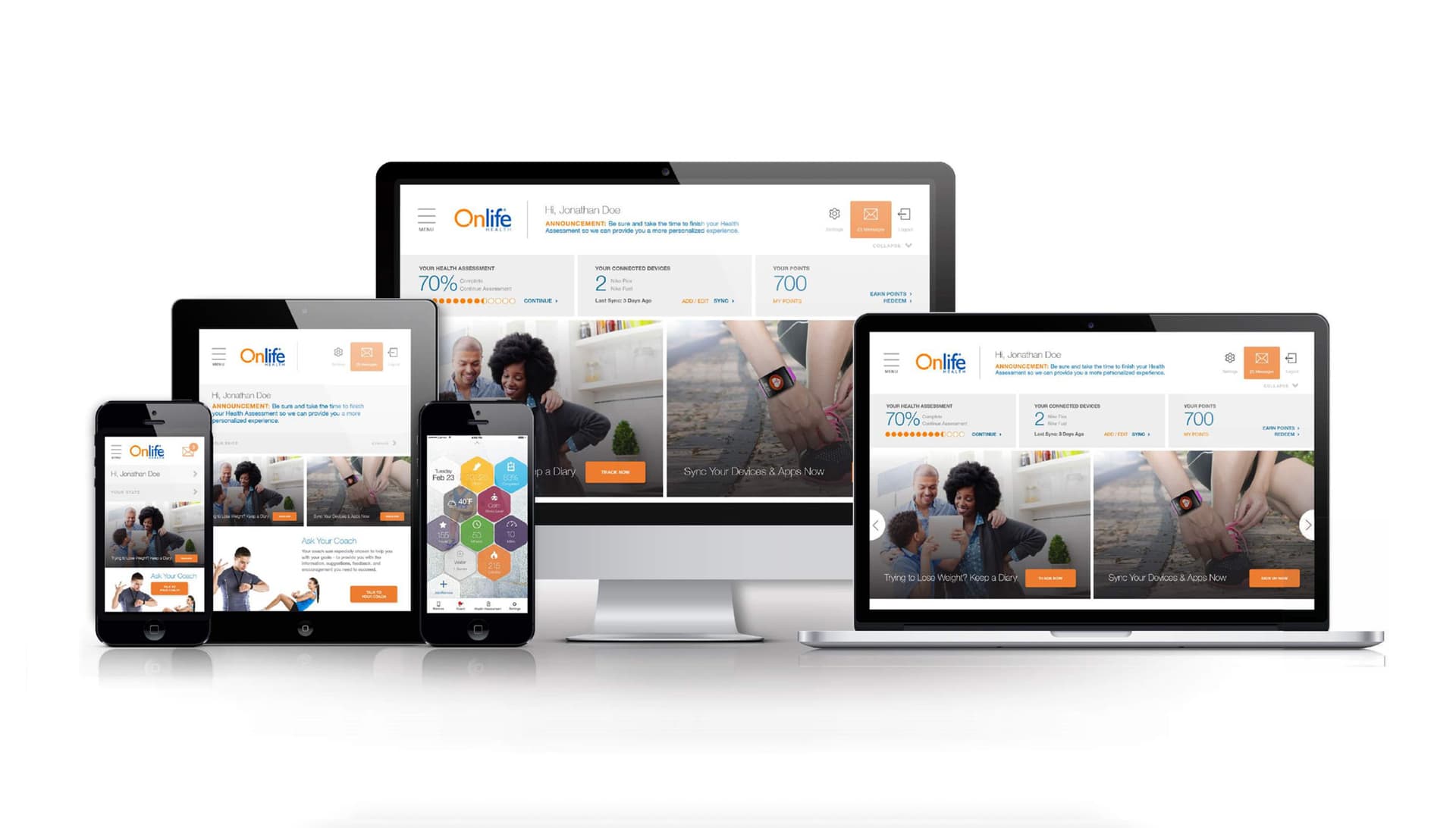
Designed for Every Screen
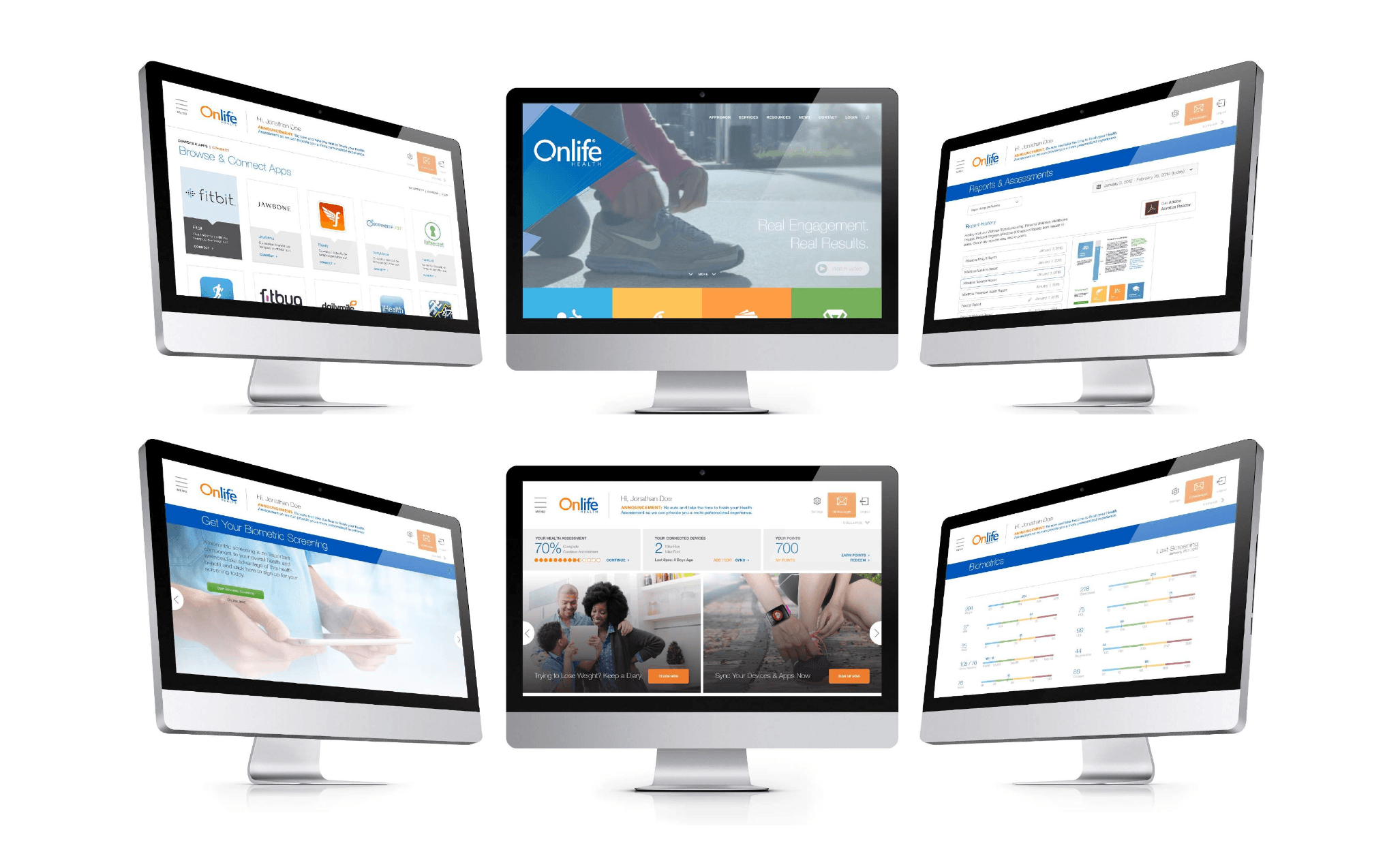
To engage users, each page’s design incorporates a variety of components to succinctly separate content. The transitions are smooth with animations throughout.
Helping Users
Helping Users The Whole Way
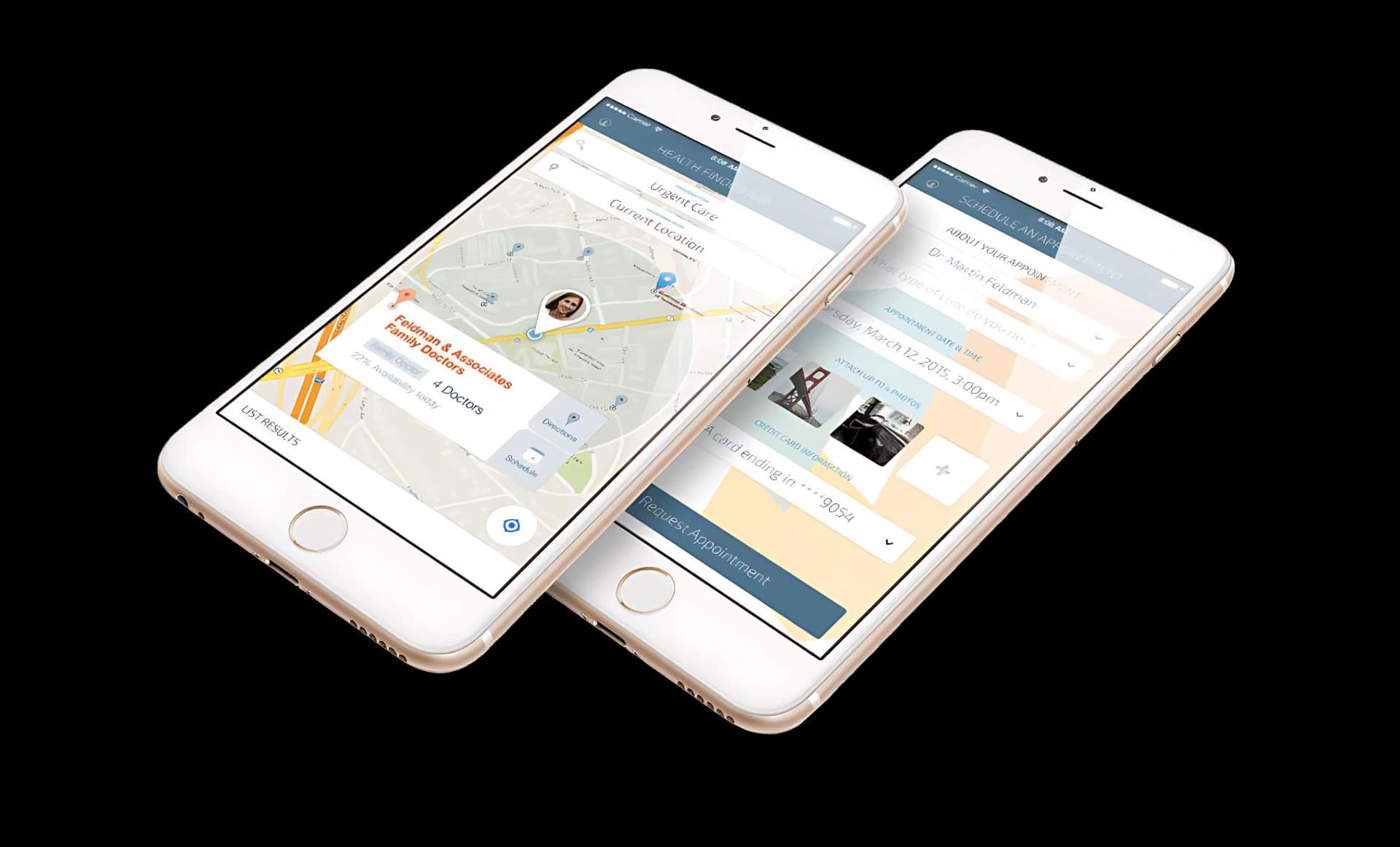
Trying to quit smoking, lose weight or dealing with a complex health issue? No matter what it is, we made finding the content easy, and provided clear next steps and indications of your current status.

Responsive Design
Great on All Resolutions
The new interface effortlessly adapts to any screen size, delivering seamless interaction and optimal user experience. From phone to tablet to desktop, every touchpoint was considered.